The Digital Bike Maintenance Log: A Practical Guide for 2026

Quick answer: A digital bike maintenance log tracks each component's wear and service history instead of the bike as one lump — so you replace a €30 chain on time rather than a €400 cassette too late. When comparing maintenance log apps, only two things are pass/fail: distance must update from your rides without you typing it, and tracking must be per component rather than per bike. An app that fails either one gets abandoned by February. Track the high-wear parts first — chain, brake pads, tyres, suspension seals — because those are where "when did I last do this?" costs real money.
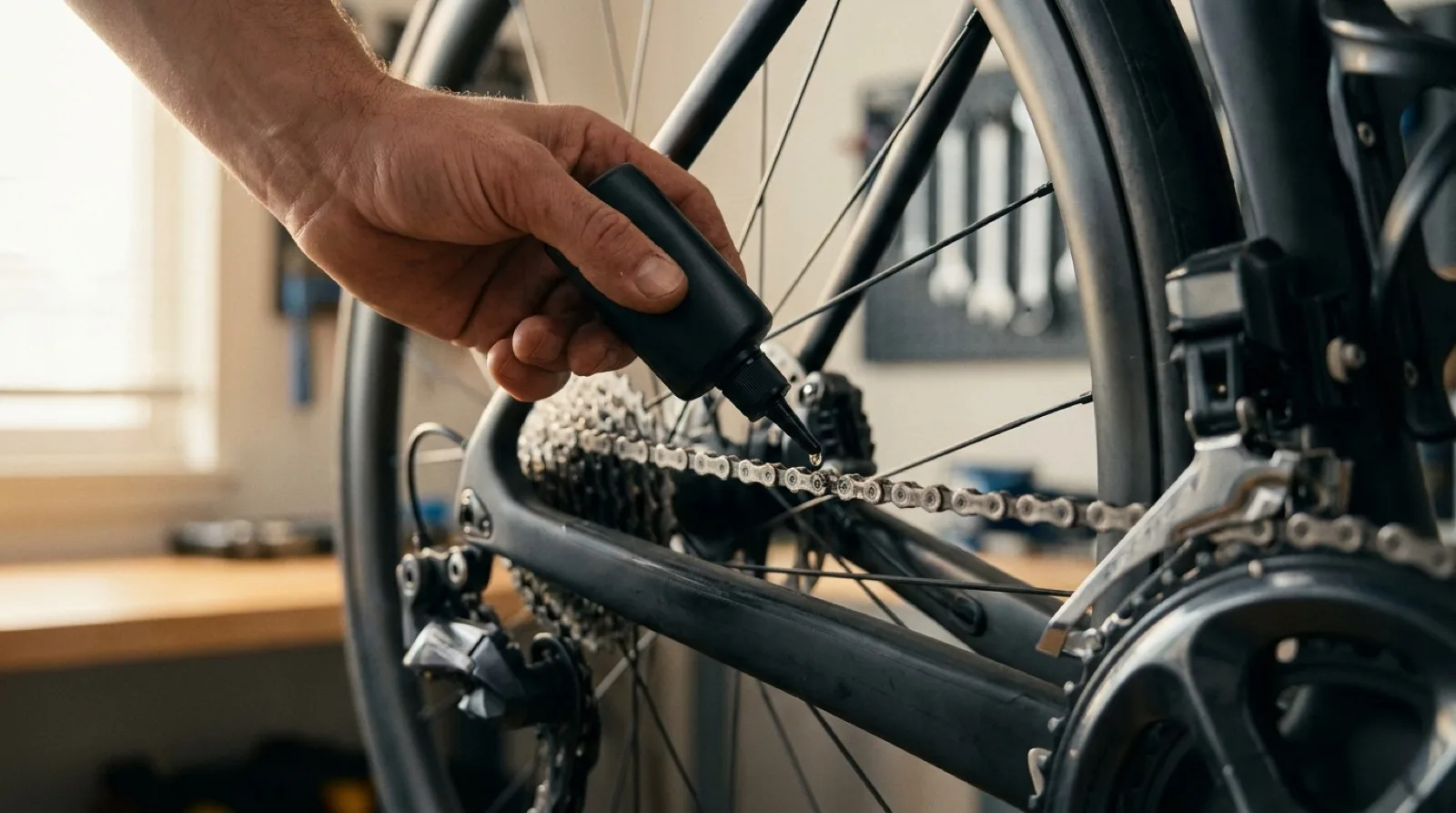
Something skips on a familiar climb. You take the bike in, and the mechanic asks the one question you can't answer: "When did you last replace the chain?" You guess "spring?" — and pay for a chain and a cassette, because the worn chain quietly reshaped the cassette teeth while you weren't counting.
That bill is what a maintenance log is supposed to prevent. Most riders know this and still don't keep one, because the logs on offer ask for something humans are bad at: remembering to write things down after every ride, with your hands dirty and the kettle on.
Key takeaways
- Track components individually, not the bike as a whole — a frame lasts a decade, a chain lasts a season.
- The only log that lasts is one that fills itself from your ride data. Manual entry is the reason logs die.
- Distance is a starting point, not the whole story — moving time matters for suspension and hydraulics.
- The clearest payback is the drivetrain: a chain replaced on time protects the cassette and chainrings behind it.
- A documented service history is worth real money when you sell.
Table of Contents
- What a digital bike maintenance log actually is
- The parts worth tracking
- Manual logs vs. automatic tracking
- How to choose a maintenance log app
- What it saves you
- How WatchMy.bike keeps the log current
- FAQ
What a digital bike maintenance log actually is
It's a record of what's fitted to your bike and what's been done to it, kept per component rather than per bike. A paper notebook can do the "what I did" half. What it can't do is the half that actually drives decisions: how far each part has run since it was last serviced.
That distinction is the whole game. "I cleaned the drivetrain in March" is a diary entry. "This chain has 2,400 km on it and 11-speed chains want replacing at 0.5% elongation" is a decision. A digital log exists to turn the first kind of note into the second — to tell you not just what happened, but what to do next and when.
Distance is a baseline, not the answer
Kilometres are the easiest thing to measure and the easiest to over-trust. A wet, gritty winter ride wears a chain faster than the same distance in the dry, and some parts barely care about distance at all. Fork and shock seals are tracked by hours of riding, not kilometres. Hydraulic fluid and sealant degrade on a calendar, whether you ride or not.
A log worth keeping lets you schedule against the clock that fits the part: distance for the chain and tyres, riding hours for suspension, plain time for brake bleeds and sealant top-ups. Picking the right clock per component is the core of building a tracking system you won't abandon.
The parts worth tracking
Don't try to track everything on day one — you'll quit. Start with the parts where being late is expensive or unsafe.
| Component | Track by | Why it's on the list |
|---|---|---|
| Chain | Distance | Late replacement ruins the cassette behind it |
| Cassette / chainrings | Distance | Expensive; protected entirely by chain timing |
| Brake pads | Distance | Runs to metal-on-metal if ignored |
| Tyres | Distance | Wear and cut-resistance drop off a cliff late |
| Suspension seals | Riding hours | Lower-leg service ~50h, fuller service ~200h |
| Hydraulic brakes | Time | Bleeds are calendar-based, not distance-based |
The 0.5% chain rule (with one caveat)
Replacing the chain on time is the single highest-return habit in bike maintenance. For 11- and 12-speed drivetrains, replace at 0.5% elongation measured with a cheap chain checker. On 10-speed and older, the common threshold is 0.75% — the wider chains tolerate more. Miss it and the stretched chain starts "hooking" the cassette teeth, and now you're replacing both.
Suspension runs on a different clock
Fork and shock service is measured in riding hours, not distance — roughly a lower-leg service every 50 hours and a fuller service around 200, though your manufacturer's figure wins. That's why a maintenance log that only understands kilometres can't schedule suspension properly, and why "riding time" has to be a first-class way to set an interval.
Manual logs vs. automatic tracking
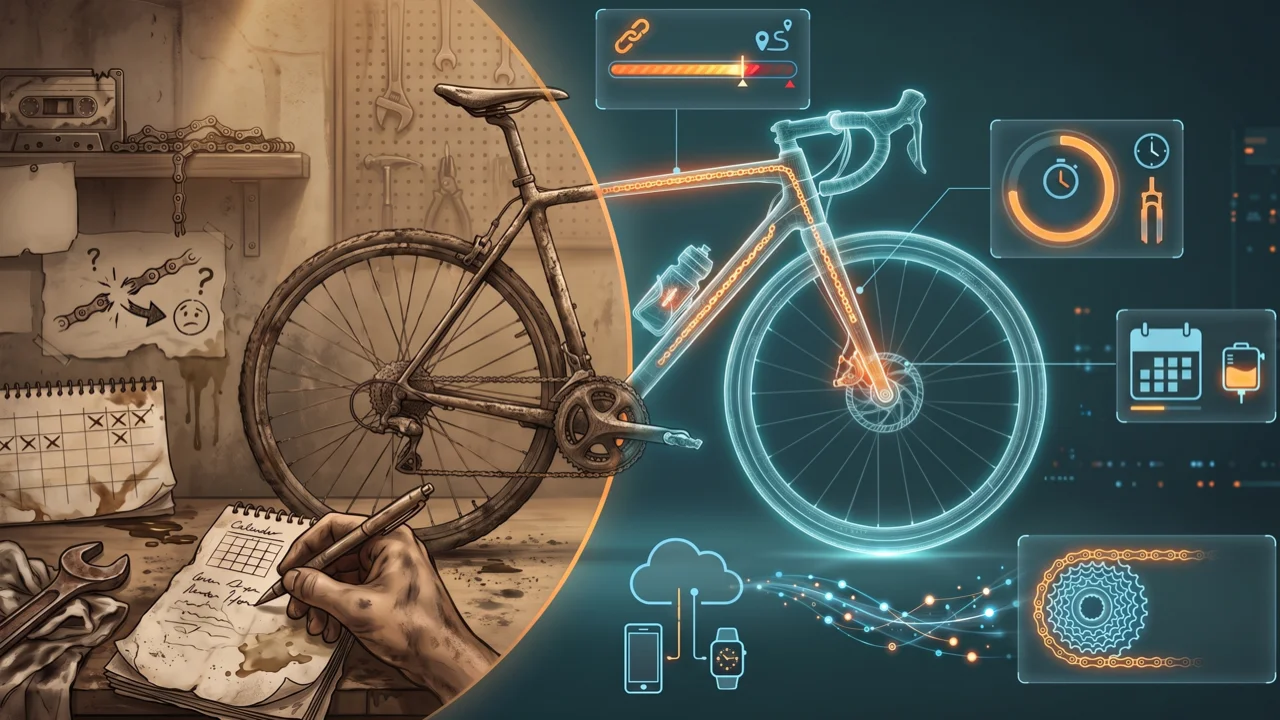
A spreadsheet starts strong. You make columns, log two services, feel organised. Then every ride quietly adds a task — update the distance — and by February it's a tab you feel guilty about.
I'll say it: the effort tax is the whole problem, and no amount of "just be disciplined" fixes it. The valuable half of every entry — the kilometres at service and the kilometres since — is the half you can't reconstruct from memory anyway. You know what you did last Tuesday; you don't know your odometer reading. A log that depends on you typing that number is broken by design.
Automatic tracking removes the tax. Your rides sync, the per-component distances update in the background, and the only time you touch the log is when you actually turn a wrench — you mark the service done and the clock resets. That's the difference between a log that reflects reality and one that reflects how you felt in January.
How to choose a maintenance log app
Search for the best digital bike maintenance log apps and you get feature grids. Feature grids are the wrong tool for this decision, because the feature that decides whether you're still using the app in six months isn't on them.
Here is the test I'd apply, in order. The first two are pass/fail; the rest are preferences.
1. Does distance update without you? This is the only question that predicts abandonment. If the app needs you to type an odometer reading after rides, you will stop, and a log that's three months stale is worse than no log because you'll trust it. Ride-sync is not a nice-to-have, it's the product.
2. Does it track per component, or per bike? Per-bike tracking tells you the frame has done 12,000 km, which is useless — the frame isn't the thing that wears out. Component tracking gives each chain, cassette, pad and tyre its own odometer that survives being moved to another bike. If an app only counts bike distance, it's a trip computer with a service tab.
3. Can a service interval use the right clock? Chains wear by distance. Fork seals wear by riding hours. Brake fluid and sealant degrade on the calendar whether you ride or not. An app that only understands kilometres cannot schedule suspension or a bleed, so you'll end up keeping those two somewhere else — which means you'll keep them nowhere.
4. Does the history survive a component swap? Move a wheelset between two bikes and a good log follows the wheels. A weak one resets them to zero, and you've lost the number you were tracking.
5. Can you get your data out? Any log you'll still care about in five years outlives your enthusiasm for whichever app you picked. If there's no export, you're renting your own service history.
The four kinds of tool on offer
| Tool type | What it's genuinely good at | Where it stops |
|---|---|---|
| Spreadsheet | Free, infinitely flexible, yours forever | You supply every kilometre by hand — the failure mode above |
| Strava's built-in gear page | Free, zero setup, already has your rides | A counter, not maintenance tracking: one component per type, no alerts, retired parts vanish |
| Dedicated tracking apps | Real component tracking with maintenance alerts | Most require Strava, and most are tracking-only with no way to show a build |
| WatchMy.bike | Component tracking plus service intervals on three clocks, and public bike pages | Strava is the only ride-sync source today; Garmin and Wahoo are roadmap, not shipped |
I have an obvious interest in the last row, so treat it accordingly — and go read the named head-to-heads rather than my summary. Best bike tracking apps in 2026 puts eight of them side by side on twenty features, including the ones where a competitor wins.
The feature-grid myth: more tracked fields is not better. Every field you have to fill by hand is a future reason to stop opening the app. The best maintenance log app is the one with the fewest boxes that still answers "what's due?" — which usually means the one that derives the most from data you already generate by riding.
What it saves you
Maintenance reads like an expense and behaves like insurance. The drivetrain is the clearest case: a chain is cheap, the cassette and chainrings behind it are not, and the only thing standing between the two is timing. Replace the cheap part on schedule and the expensive parts last for thousands of kilometres. Skip it and you buy the whole set.
There's a second payback at the end of the bike's life: resale. A buyer looking at a used bike is pricing in everything they can't see — when the suspension was last serviced, whether the bearings are original, how hard it's been ridden. A service history answers those questions, and an answered question is worth money. The same bike with a documented history sells for more than one sold on "trust me."
How WatchMy.bike keeps the log current
I built WatchMy.bike around the one thing that makes logs fail: manual entry. Here's how it actually works, without the parts other guides like to imagine.
It fills itself from Strava. Connect your account and each ride updates a per-component odometer — the chain knows its own kilometres, separate from the bike it's bolted to. Strava is the sync source today; Garmin and Wahoo are on the roadmap, not shipped, so if you're not on Strava you can still track any bike by entering distance manually.
You set intervals on the clock that fits the part. Distance for the chain, riding time for the fork, plain time for brake bleeds — the three interval types cover how components actually wear. When you service something, you mark it done and the interval resets.
The AI assistant does the typing, not the diagnosing. You can talk to it in the app, or connect it to Claude, ChatGPT or Gemini over MCP, and say "I replaced the chain today at 4,300 km" or "what's due across my bikes?" — it records the service, lists what's overdue, and installs components from a spec sheet you paste. It's the fastest way to keep the log current. It's not a mechanic: it reads your data and acts on it, it doesn't listen for a dragging brake.
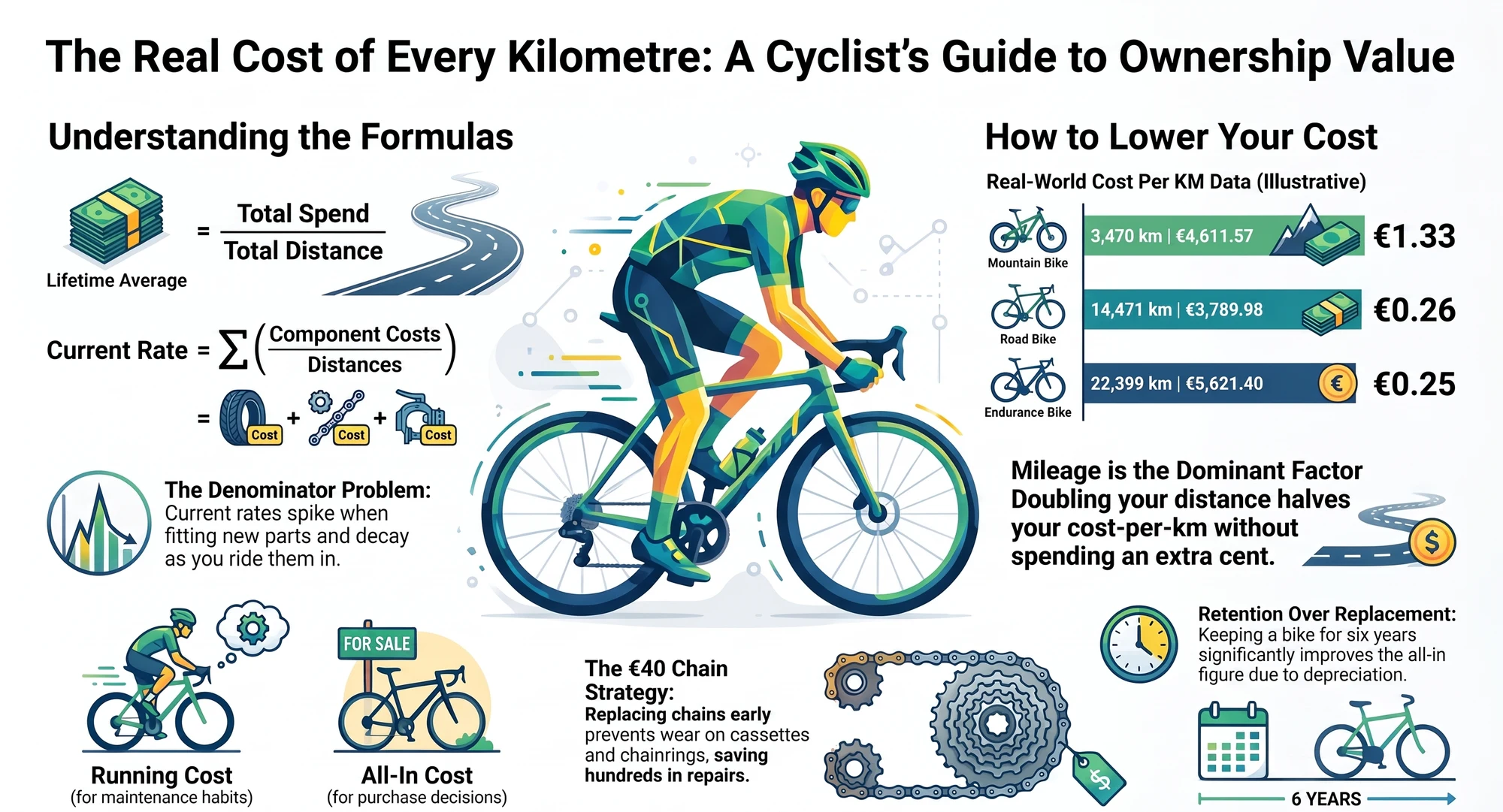
Costs, if you want them. On the paid tiers you get cost-per-kilometre per component, which turns the ROI argument above into your actual numbers instead of mine.
Getting started takes a few minutes: connect Strava, add a bike (or pick it from the catalogue), and the per-component distances start filling in from your history. The free Steel plan covers up to three bikes; Alloy covers ten and Carbon fifty for bigger stables.
Set up these alerts and stop guessing:
- "Chain wear" — recurring every ~3,000 km (adjust to your drivetrain and conditions)
- "Fork lower-leg service" — recurring every 50 riding hours
- "Brake bleed" — recurring every 12 months
FAQ
What are the best digital bike maintenance log apps?
Judge them on two pass/fail questions before any feature list: does distance update automatically from your rides, and does it track each component separately rather than the whole bike? Apps that fail either one get abandoned, because they depend on you typing an odometer reading you don't know. Among dedicated options, ProBikeGarage is the established choice with native iOS and Android apps, Componentry adds Garmin and Wahoo sync alongside Strava, and WatchMy.bike (mine) covers component tracking with distance, riding-time and calendar service intervals plus public bike pages. Strava's own gear page is free and already has your rides, but it holds one component per type, sends no alerts, and hides retired parts. There is a feature-by-feature table across eight apps in Best bike tracking apps in 2026.
Is there a free bike maintenance log app?
Yes, several. Strava's built-in gear tracking is free if you only need running totals for a handful of component types. Among dedicated trackers, WatchMy.bike's Steel plan is free for up to three bikes with unlimited components per bike, automatic Strava sync, email maintenance alerts, five service intervals and data export, and ProBikeGarage has a free tier that adds Strava sync on its paid plan. A spreadsheet is also free, and is the option most likely to be abandoned.
Is a digital maintenance log better than a spreadsheet?
For most riders, yes — not because spreadsheets are bad, but because they depend on you updating the distance after every ride, and that's the habit that fails. A log that syncs from your rides stays accurate on its own. If you genuinely enjoy maintaining a spreadsheet, the columns that matter are date, component, work done, km at service, cost, and next due — but "next due" only works if you know your current kilometres, which is the part paper can't give you.
Can I sync Strava with WatchMy.bike?
Yes — Strava is the supported sync source. Once connected, your rides update each component's distance automatically, so you don't track mileage by hand. Garmin and Wahoo sync are on the roadmap; until then you can track any non-Strava bike by entering distances manually.
How often do I need to update the log?
If your rides sync, you don't update distances at all — that happens in the background. You only touch the log when you perform a service: mark it done and the interval resets from that point.
Does a service history actually raise resale value?
It reduces the buyer's uncertainty, and uncertainty is what discounts a used bike. Being able to show when the suspension was serviced and how far the drivetrain has run makes your bike the lower-risk option next to an identical one with no records — and lower risk sells for more.
Which components should I track first?
The high-wear, high-consequence ones: chain, brake pads, tyres, and suspension seals. The chain especially — tracking its wear is what protects the far more expensive cassette and chainrings.
What does the AI assistant do, exactly?
It records services, lists what's due, and adds components for you — from in-app chat or from Claude/ChatGPT/Gemini via MCP. It works on the data you've logged and synced. It doesn't diagnose mechanical faults from your ride data.
Questions about setting up your maintenance log? Reach out at marien@WatchMy.bike.