Public Bike Profiles: A Permanent Page for Every Build

Quick answer: Every bike on WatchMy.bike can have its own public page at a permanent URL, and every rider can have a profile that collects their published bikes. A bike page shows the photo gallery, the build story, the full component list with distance per part, and, if you allow it, the build cost and cost per kilometre. Maintenance history, documents and logbook entries you haven't marked public stay private. Public pages are on every plan, including free Steel; custom themes are Alloy and up.
The build thread you posted three years ago is on page 40 of a forum that has since changed software. The Instagram post got its likes in a week and then sank. The spec list you typed for a buyer went out in a chat message and is gone. Your bike has a story, and none of the places you told it kept it.
A public bike page is the fix for that. One URL, kept current by the same ride data that drives your maintenance tracking, that you can hand to a buyer, a mechanic, a forum, or a friend who keeps asking what fork that is.
What a Public Bike Page Shows
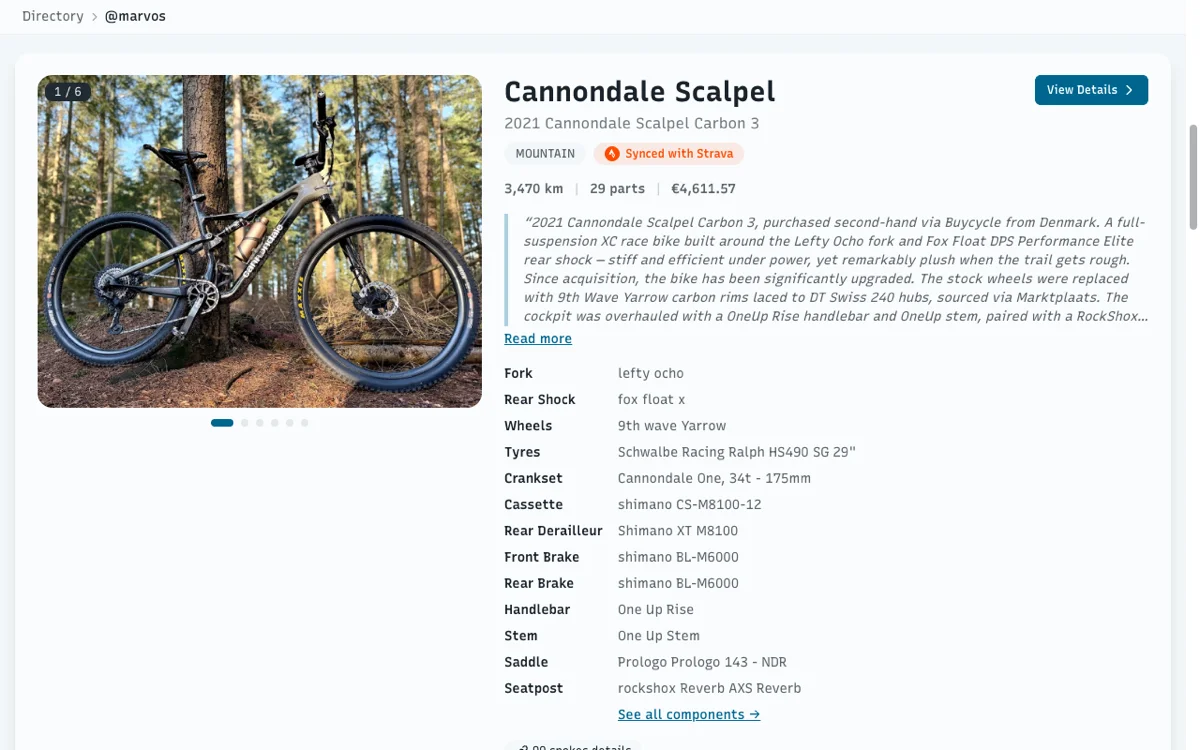
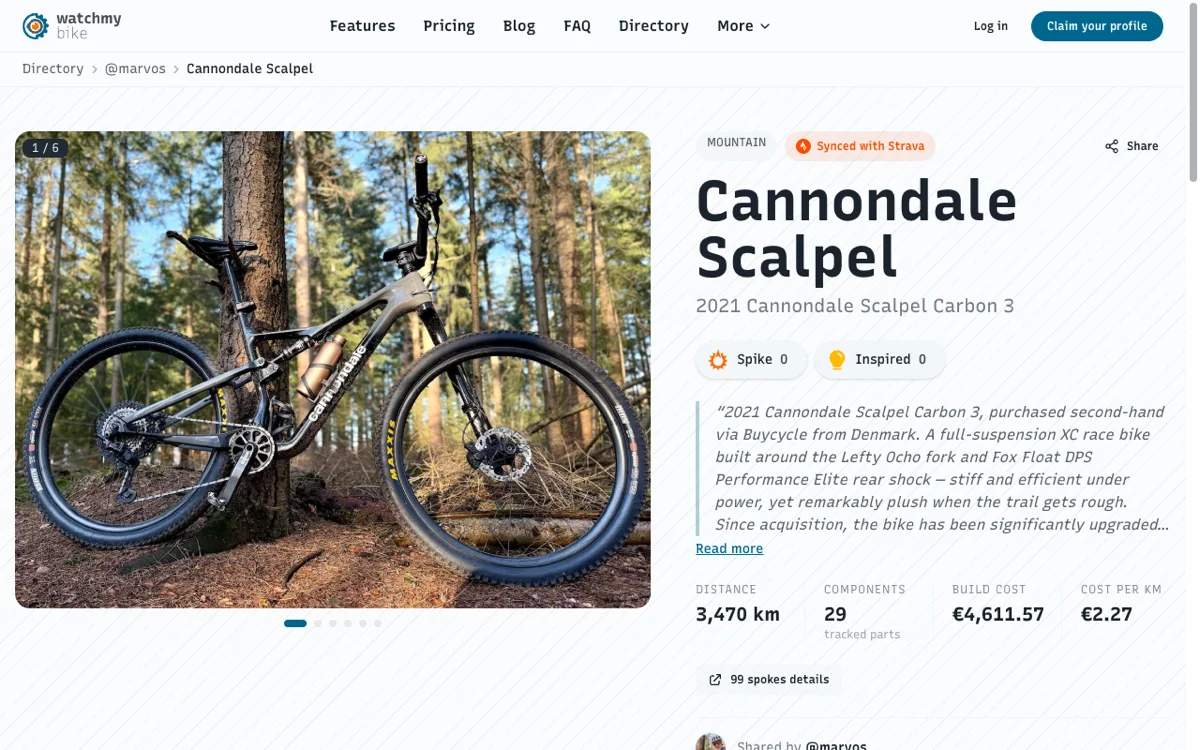
The screenshot at the top is my own Cannondale Scalpel's page, live at watchmy.bike/b/…. Everything on it comes straight from the garage, nothing is retyped:
- Photo gallery with fullscreen view. Six photos on the Scalpel.
- Type and Strava badge, so a visitor knows it is a mountain bike whose distance is real, not a guess.
- Build story: the free-text field where the bike's history lives. Mine covers where it came from and what has been changed since.
- Headline stats: distance, number of tracked components, build cost and cost per kilometre. The Scalpel reads 3,470 km, 29 parts, €4,611.57 and €2.27 per km.
- Component list in four views: cards, a table, photos, or plotted on a bike diagram. Each part shows brand, model and its own distance.
- Reactions: visitors can give the bike a Spike or mark it as Inspired.
- A link out to the manufacturer's spec sheet, and back to the rider who shared it.
- A public logbook, if you want one. Every logbook entry has its own Public switch, off by default. Flip it on a ride report or a build update and that entry appears in a Logbook tab on the bike page; leave it off and it stays in your garage. The Scalpel's page has no Logbook tab yet because I haven't made any entries public.
What is not on it: service records, maintenance alerts, documents, receipts, and every logbook entry you didn't switch to public. Publishing a bike publishes the build, not the workshop.
The Rider Profile
Publish more than one bike and they collect on your rider profile at watchmy.bike/p/your-handle. Mine is /p/marvos.
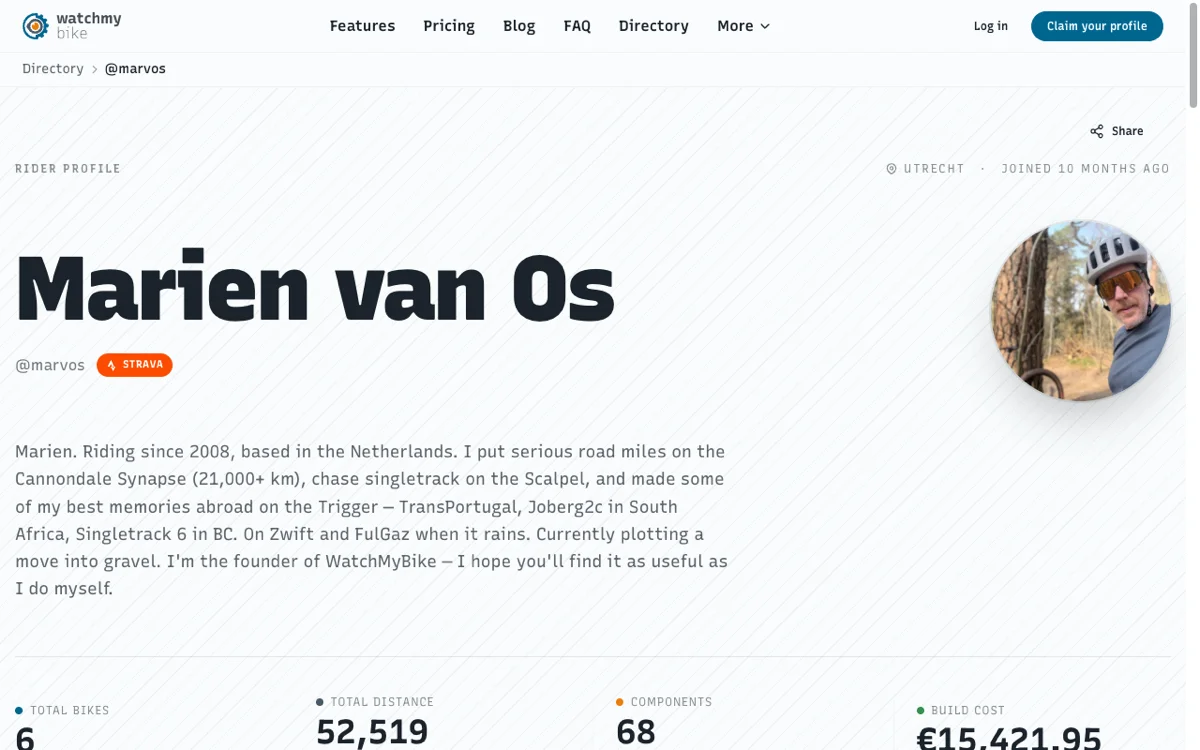
The rider profile: a bio, a Strava link, and totals across every published bike. The six bikes below each get their own gallery and story.
The profile adds up what the bikes publish: total bikes, total distance, total tracked components and, again only if you allow it, the total you have put into them. Under that, every published bike appears with its own gallery and story, and a link through to its page.
You Decide What Is Visible
Four switches in Settings → Public profile control the sensitive parts:
| Switch | What it hides when off |
|---|---|
| Real name | Your name; the page shows only your handle |
| Location | The city on your profile header |
| Costs | Build cost and cost per km on every bike page and the profile total |
| Purchase links | The "buy" links on components |
The logbook works the other way round: nothing is public until you mark the individual entry Public when you write it, or with Make public on an existing one.
Each bike is published individually, so you can show one build and keep the rest of the garage private. The Scalpel is public; whether the others are is a per-bike toggle on each bike's Sharing tab.
Why a Permanent URL Matters
Selling. A buyer who gets watchmy.bike/b/… sees every component with brand, model and the kilometres on it, plus the story of what was replaced when. That is the spec sheet and the service argument in one link. The resale value post goes into what documented history is worth at sale time.
Asking for help. "What's creaking?" is easier to answer when the person helping can see the exact bottom bracket and how many kilometres it has done.
Not retyping. The page updates itself. Swap a cassette in the garage and the public page shows the new one the next time someone opens it. A forum post never does that.
Sharing Previews
Paste a bike URL into Slack, Discord, WhatsApp or a social feed and the preview is built from the page: the bike's primary photo, its name, and a line with its distance and component count. I checked the Scalpel's page while updating this post and the tags are there, with the photo at the size social platforms want.
Find Other Builds
Published bikes are also listed in the directory, which is where a visitor without an account lands first. Browsing it is the quickest way to see what other riders show, and what they leave out.
Plans
Public bike pages and rider profiles are on every plan, including free Steel. Alloy and Carbon add custom themes for your public pages, and Carbon adds custom branding. Nothing about the page itself is paywalled.
How WatchMy.Bike Makes This Automatic
Publishing is three steps once the bike is tracked:
- Make your profile public in Settings → Public profile, and pick your four visibility switches.
- Open the bike, Sharing tab, publish. Copy the URL.
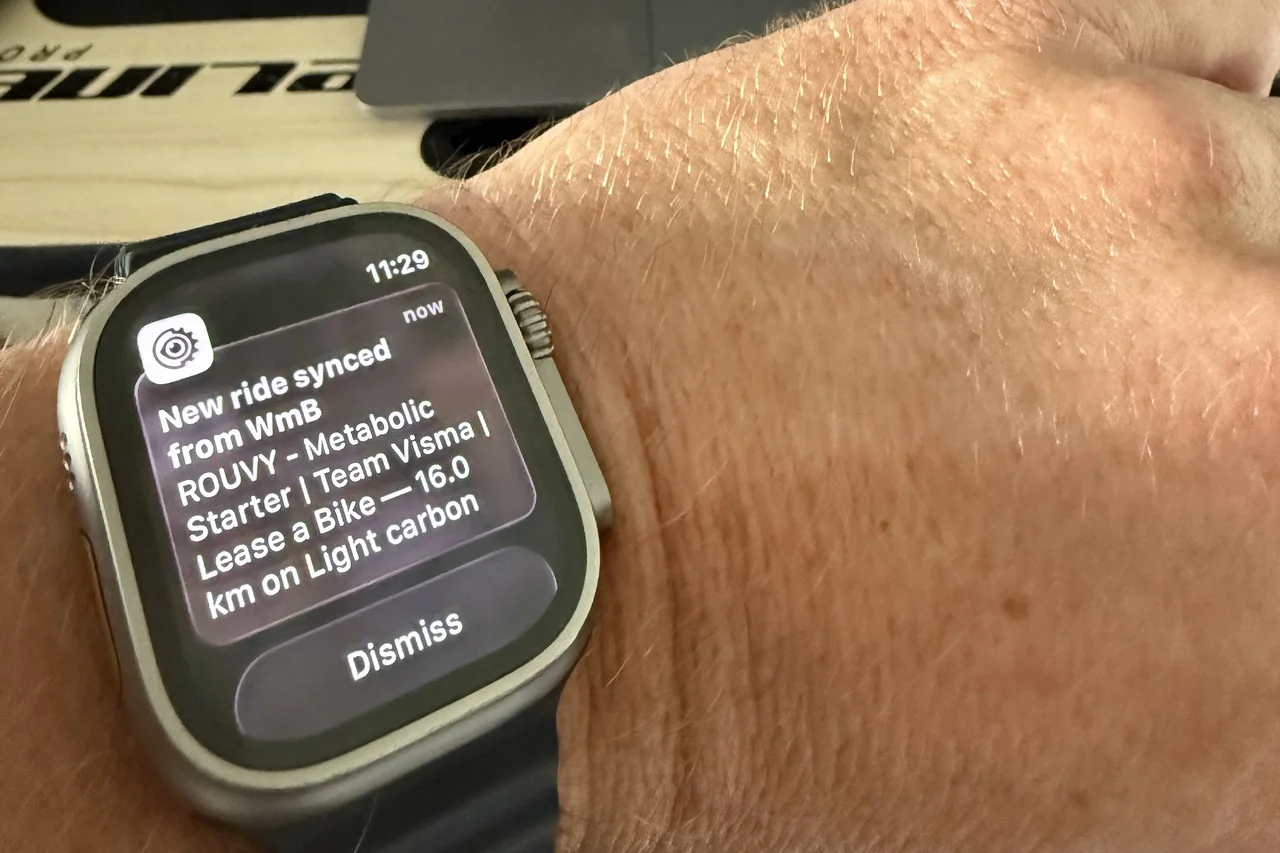
- Ride. Strava sync keeps the distances and cost per km on the page current without you touching it.
If you are starting from zero, how to create a bike profile page walks through adding the bike and its parts first, and where to show off your build covers the places to post the link once you have it.
Questions about public profiles? Reach out at marien@WatchMy.Bike.