What a Digital Bike Garage Actually Is (and the Six Jobs It Has to Do)

•6 min read
Quick answer: A digital bike garage is the single place where every bike, every component, every service and every document lives. To earn the name it has to do six jobs: inventory (bikes and parts, including spares on the shelf), live odometers per component, service records, document storage, alerts that fire before damage, and a share page to show the build. An app that does one or two of those is a notes app with a bike icon.
Your bike's information is scattered across five places right now. The frame size and groupset live in an order-confirmation email. The receipt is a photo somewhere in your camera roll. The kilometres on the chain are in your head, roughly. The spare wheelset in the shed has a cassette on it — wear unknown, history unknown. And the last service? "Spring, I think."
A physical garage solves this for cars: one building, everything in it, a folder of paperwork on the shelf. Cyclists need the digital equivalent — and "bike garage app" is what people have started calling it. The trouble is that most apps wearing the label don't do the work, and the app matters less than the tracking system you run in it.
I'll say it: most "bike garage" apps are photo albums with a notes field. There's a one-question test: how many kilometres are on the rear tire — since it was installed? If the app can't answer that number, it isn't tracking your garage, it's decorating it. A scrapbook, not a garage.
Define the Six Jobs
Here's each job, and how the three common tools handle it:
| Job | Paper notebook | Spreadsheet | Purpose-built app |
|---|---|---|---|
| 1. Inventory — bikes + parts, incl. spares | Yes, until you lose it | Yes, one tab per bike gets messy | Yes, components exist with or without a bike |
| 2. Live odometers — km per part since install | No — you'd log every ride | Manual entry after every ride | Automatic via Strava sync |
| 3. Service records — what, when, at what km | Yes, no mileage context | Yes, if you remember the odometer | Logged with the component's km attached |
| 4. Documents — receipts, invoices, warranty | Physical folder | Links that rot | Attached to the exact bike or part |
| 5. Alerts — before wear becomes damage | No | No (or fragile formulas) | Email/push at the threshold |
| 6. Showing it off — shareable build sheet | No | A screenshot, maybe | Public profile with its own URL |
Jobs 1, 3 and 4 are bookkeeping — any tool can limp through them. Jobs 2 and 5 are the ones that separate a garage from a scrapbook, because they require the odometer to run by itself. The full mechanics of job 2 are in How to Track Bike Mileage per Component; job 3 gets its own treatment in the digital maintenance log guide.
Count the Spares Too
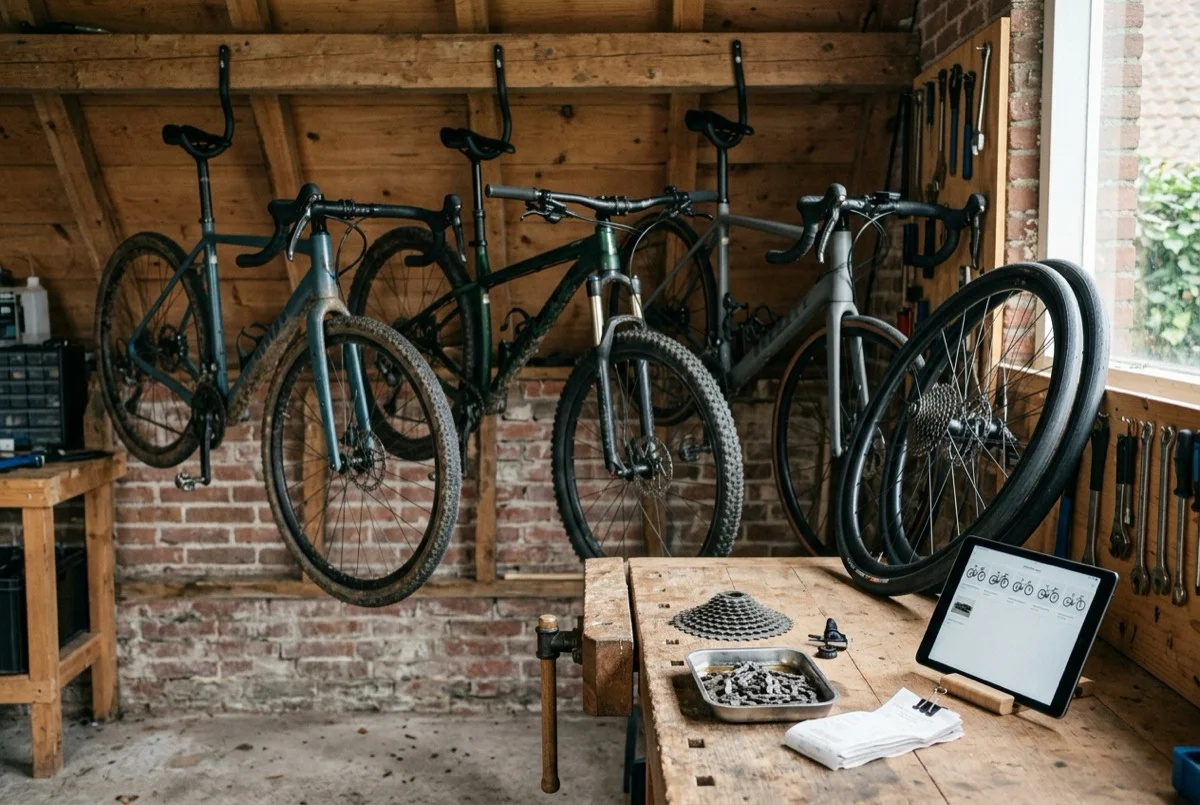
A garage isn't just what's bolted to bikes — it's the shelf. The spare wheelset, the half-worn cassette you swapped out "for later", the winter tires in a box. A real inventory tracks parts in storage with their accumulated distance frozen, so when you refit that cassette in November you know it already has 4,000 km on it and one chain's worth of life left.
This is where paper and spreadsheets quietly fail: they track bikes, and shelf parts fall off the ledger the day they come off the bike.
Survive a Component Transfer
If you own more than one bike, this is the spreadsheet killer. Move a wheelset from the race bike to the winter bike and every tool faces the same question: does the odometer follow the part?
- Paper: you start a new line and the history splits in two.
- Spreadsheet: you cut-and-paste rows between tabs and pray the formulas survive. They don't — one broken cell reference and the km totals are fiction.
- Garage app: the component moves, its lifetime distance moves with it, and it only accrues new kilometres from whichever bike it's currently on.
Multi-bike owners rotate parts constantly — wheels, saddles, pedals, power meters. A tool that can't follow a part across bikes will drift from reality within a season. It's the first thing I'd test in any of the bike tracking apps worth considering.
Skip the App If This Is You
Honest version: not everyone needs a digital garage. You can skip it if all three are true:
- You own one bike.
- It's shop-serviced — you don't wrench, and the shop keeps its own records.
- You ride under ~1,500 km a year — at that mileage, most wear items outlast the calendar between annual services.
For that rider, a recurring yearly service booking does the whole job. The moment any of the three flips — a second bike, a home tool kit, a Strava graph that starts climbing — the scattered-information problem shows up within months.
My own garage broke in the mailbox. With three bikes, every "when did that part go on?" turned into a search through order confirmations by brand name, followed by a guess about which of the three bikes it had ended up on. I mixed that up more than once. The receipts were all there; the information wasn't.
How WatchMy.Bike Makes This Automatic
WatchMy.bike is built as exactly this digital bike garage: bikes and components (installed or on the shelf), Strava-synced odometers per part, service history, receipt storage, alerts on all three clocks, and a public profile at your own URL to show the builds.
Three alerts that cover the six jobs' hardest edges:
- "Measure chain wear" — recurring every 1,000 km (distance)
- "Annual service + frame inspection" — recurring every 12 months (time)
- "Service fork lowers" — recurring every 50 riding hours (riding time)
Set up your first maintenance alert →
Questions about setting up your digital bike garage? Reach out at marien@WatchMy.Bike.