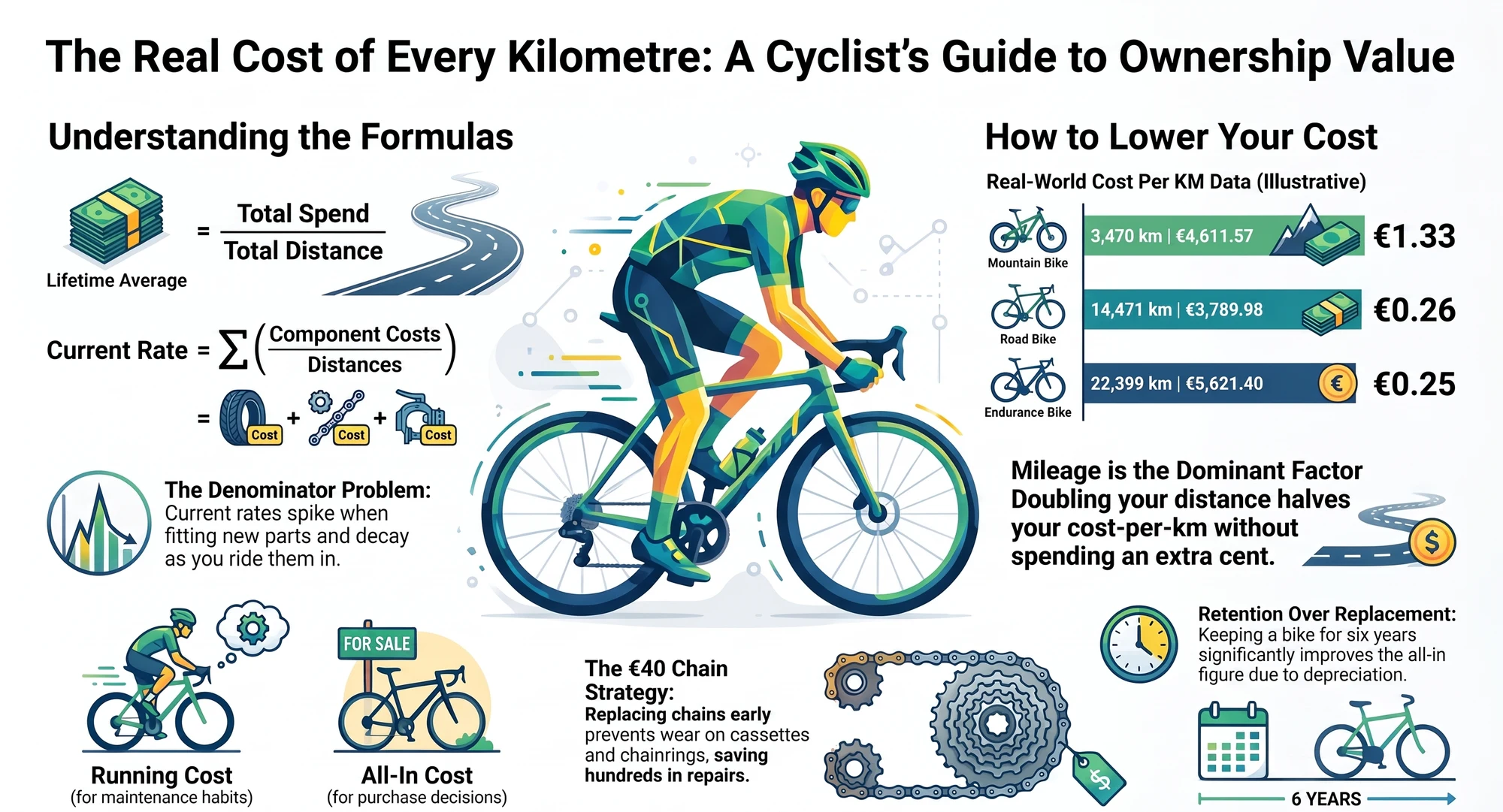
Strava Gear Tracking: What It Does, Where It Stops, and How to Fix It

•12 min read
Quick answer: Strava's gear tracking is a distance odometer per bike, with an optional one component of each type per bike. It has no maintenance reminders for bikes or components (shoes get a mileage notification, bikes don't), component management is web-only, retired components cannot be un-retired or moved, and the API exposes bikes but no components at all. If you own one bike and never rotate parts, it is enough. If you swap wheelsets, rotate chains, or want to be told when something is due, you need a bike maintenance tracker that syncs Strava rides on top. Keep Strava for tagging rides to bikes. Let something else do the components.
You fit the winter wheels. You go to Strava's gear page to move the summer wheelset off the bike and there is no button for that. Your options are retire it, which makes it vanish, or leave it, which means the winter kilometres land on the summer tyres. You pick "leave it" and promise yourself you'll do the maths in spring.
That is the whole Strava Gear experience in one screen: it counts beautifully, and the moment your garage stops matching its model, it has nothing for you.
I've been building on the Strava API since 2017, and I connected my first bike-tracking project to it long before WatchMy.bike existed. What follows is not a complaint. Strava Gear does one job well. The problem is that people expect it to do five.
Key takeaways
- Strava Gear accrues distance per bike from your rides. That part works, and it is the best ride-to-bike assignment in the business.
- Components are one-per-type, web-only, and retired parts cannot come back. Two wheelsets or two chains on one bike is not possible.
- There are no reminders for bikes or components. Shoes can carry a mileage notification; component tracking launched in September 2021 without one and has not gained it since.
- The API exposes no components, so no third-party app can read the components you added in Strava.
- The fix is not to replace Strava. Keep it for tagging rides; add a tracker that syncs Strava rides for the component work.
What Strava Gear Actually Does
Strava's own help page describes the model plainly. You add bikes and shoes. Each ride gets assigned one bike, either by hand or through a default gear per sport type, so your gravel rides land on the gravel bike without you touching anything. Distance accrues from recorded activities only. There is no "add 2,000 km" box; if the kilometres weren't ridden on Strava, they don't exist.
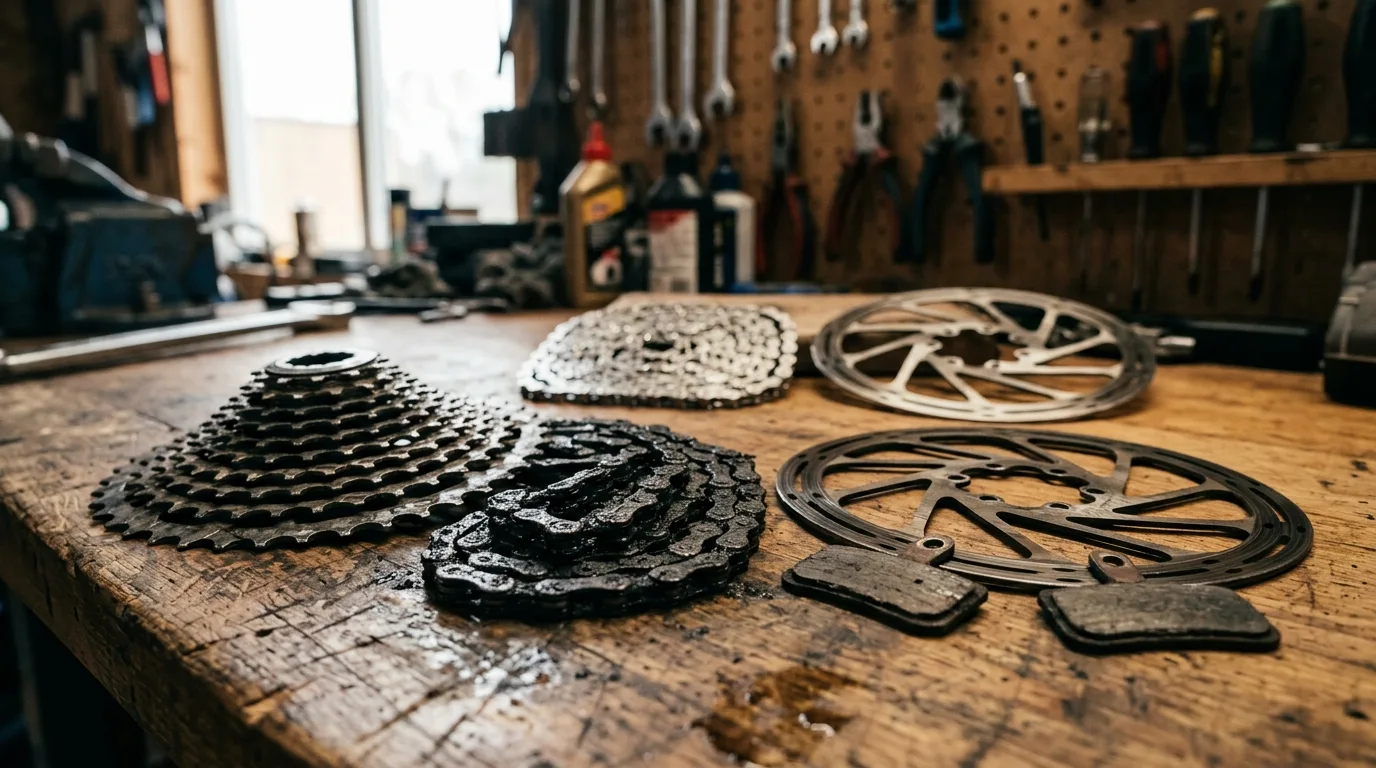
Since September 2021 you can also add components to a bike from a fixed dropdown of types: chain, cassette, chainrings, derailleurs, front and rear wheel, front and rear tyre, fork, shock, headset, stem, handlebar, seatpost, saddle, pedals, crankset, bottom bracket, and front/rear pairs for brakes, pads, rotors, levers and cables. Each gets a brand, model, install date and its own running distance. Once a type is in use, it vanishes from the dropdown. That is the one-per-type rule in action, and the front/rear split is the only relief it offers: two sets of brake pads is fine because they are two types. Two of the same thing is where the model stops. Retire a component and its counter stops; add a new one and the new counter starts.
That model is elegant and it is enough for a lot of riders. The trouble is everything the model doesn't have a word for.
Where It Stops
| What you want to do | Strava Gear | Why |
|---|---|---|
| Two wheelsets on one bike | Not possible | "Bikes can only have a single component of any type" |
| Rotate two or three chains | Not possible | Same one-per-type rule |
| Put a part back on after retiring it | Not possible | "Retired components cannot be un-retired" |
| See the history of a replaced part | Kept, read-only | Retired rows stay listed with added date, removed date and distance. You can delete them, nothing else |
| Move a part to another bike | No move option | You retire it on one bike and re-create it on the other, history split |
| Get told when something is due | Nothing for bikes | Shoes have a mileage notification; bikes and components have no thresholds or alerts |
| Add or edit components on your phone | Web only | Component management is desktop-browser only |
| Read your components from another app | Impossible | The API exposes bikes and their distance, not components |
| Change the bike on a ride after upload | Silent | Webhooks fire only for title, type and privacy changes, not gear |
Every row is the same underlying fact. Strava Gear has one active slot per part type. It remembers what you retired, which is more than most people give it credit for, but once your garage has two of anything at the same time, or a part that comes off and goes back on, the model can't represent it.
The reminders row deserves its own line. When road.cc covered the component launch in 2021, a commenter pointed out that people would track for a few weeks, then forget, unless Strava alerted them at a mileage. Five years on, that is still the request. The Community Hub has open ideas for multiple wheelsets, more than one of the same component and pausing or un-retiring components, all still gathering kudos.
Keep Strava Gear switched on. This is the part people get wrong when they hit the wall. Assigning each ride to a bike, with a default per sport so you rarely think about it, is the thing Strava does better than any dedicated tracker. It is also the input every maintenance system depends on. The fix is not to leave Strava. It is to stop asking it to do component work.
The Silent Gear Change
One limit does not show up on any help page, and I only found it by building against the API. When you change which bike a ride belongs to after uploading it, Strava does not tell connected apps. New ride, deleted ride, a changed title, type or privacy setting: an event fires for each. Strava's webhook documentation lists title, type and privacy as the only fields that trigger an update. Change only the gear, and nothing fires.
For a maintenance tracker that is a real problem, because a ride tagged to the wrong bike puts kilometres on the wrong chain. WatchMy.bike handles it by re-checking every new ride about fifteen minutes after it arrives, and you can add a longer processing delay in Settings → Strava if you use automation to set bike types after a ride. Any tracker that syncs Strava rides has to solve this somehow, and it's worth asking how before you trust its numbers.
Four Fixes, From Cheapest to Complete
Fix 1: Stay in Strava and fake it
The common workaround for two wheelsets is to create two Strava bikes, "Scalpel summer" and "Scalpel winter", and switch the default gear when you swap. It works, and it costs you the bike's single odometer: the frame's true distance is now the sum of two bikes, forever. For chain rotation there is no workaround at all beyond retiring and re-creating, and adding the distances up on paper.
Fine for one season. It does not scale, and the history is already fragmenting.
Fix 2: Export and spreadsheet
Strava's bulk export gives you every activity with its gear name in a spreadsheet, so you can build a per-component odometer in a spreadsheet by summing distances between install and removal dates. It is honest, it is free, and it is the most abandoned system in cycling. The odometer has to be run by you after every ride, and manual logs die within a season for exactly that reason.
Fix 3: The command-line route
If you're technical, strava-gear is an open-source tool that reads your activities into a local database and applies a YAML rules file: which component sat on which bike between which dates. It supports several components of the same type and moving parts between bikes, which is precisely what Strava can't do. The price is that you maintain the YAML by hand, and alerts are on its planned list rather than built. For a developer with three bikes it is a good answer. For anyone else it isn't an answer at all.
Fix 4: Sync Strava rides into a maintenance tracker
This is the category the other three are approximating. A bike maintenance tracker that syncs Strava rides keeps the ride-to-bike assignment Strava is good at, then does the component work Strava can't: many components per type, spares on the shelf with their distance frozen, parts that move between bikes with their history, and alerts when a threshold is reached. That list is most of the six jobs a digital bike garage has to do.
Several apps do this. The 2026 tracking-apps comparison goes through them one by one, including which ones charge for the Strava sync and which need Strava at all. The short version: check that the sync is real-time rather than a nightly poll, that components can outlive a bike, and that alerts run on distance and time, because brake fluid ages whether or not you ride.
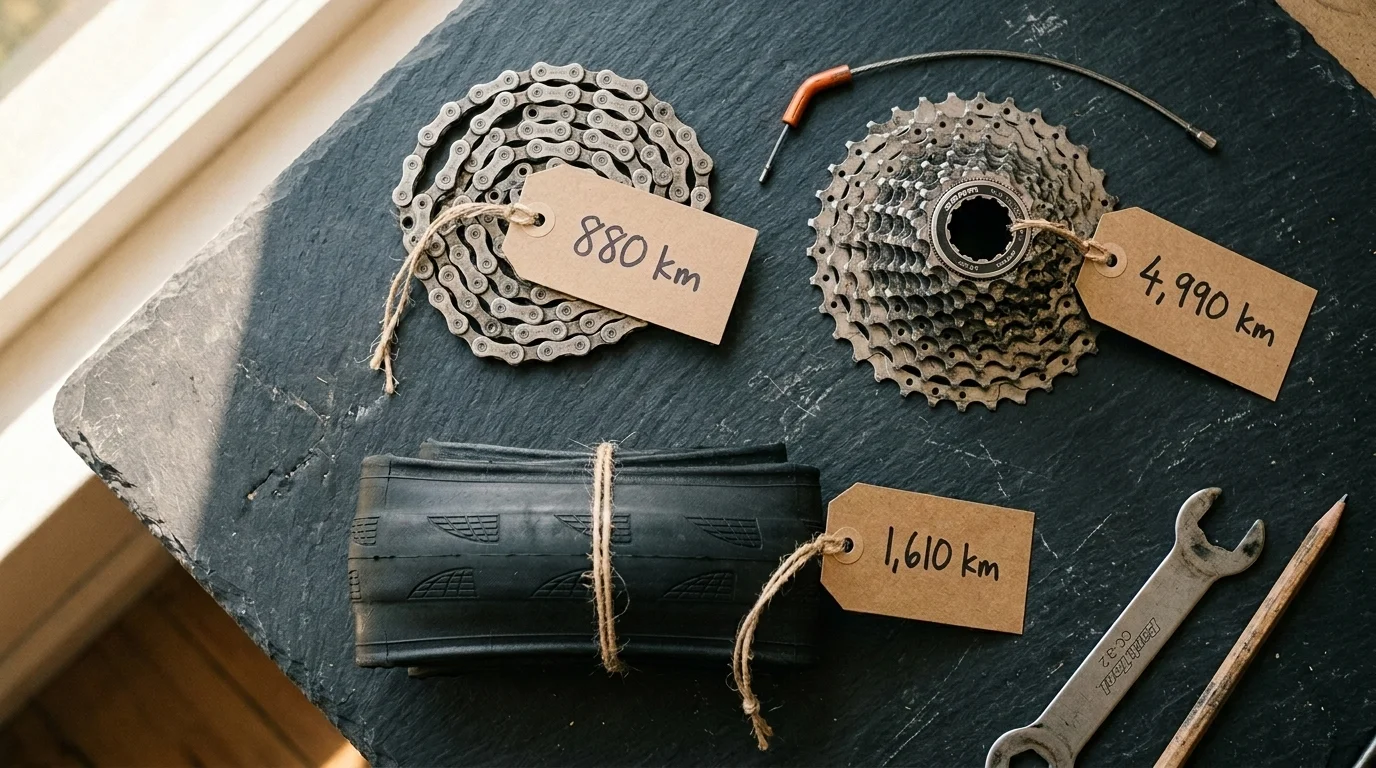
My Cannondale Scalpel's Strava gear page is a fair illustration of where the line sits. Fourteen rows: eleven active parts and three retired ones, each with an added date, a removed date and a distance. The chain I fitted on 1 February 2025 stands at 2,190 km; the one it replaced is still listed at 944 km. That history is real. What the page cannot do is hold a second chain to rotate with the first, or tell me the current one is closing in on the 3,200 km where I replace it. Both of those live in WatchMy.bike, fed by the same rides.
Which Apps Sync Strava Rides Into a Maintenance Tracker?
The question behind this whole post, so here it is directly. In 2026 the Strava-compatible gear tracking apps fall into three groups:
- Strava-required trackers that only work with a Strava connection. Simple setup, no fallback if you ride without Strava.
- Strava-plus trackers that sync Strava rides but also accept manual odometer updates, so a Garmin-only rider or a paper-log rider can still use them.
- Trackers that charge for the sync. Strava sync sits behind a paid tier in at least one popular app; check before you commit your history to it.
WatchMy.bike is in the second group. The apps comparison names the rest.
How WatchMy.Bike Makes This Automatic
WatchMy.bike keeps Strava as the source of truth for which bike you rode and takes over from there.
- Import your Strava bikes. Connect Strava and your existing bikes appear, with their current Strava distance as the starting odometer. Nothing is lost.
- Bring the components across. Copy the component table from your Strava gear page, paste it into the chat, and the parser recreates each part with its install date and distance. The second wheelset and the rotation chains that Strava wouldn't let you add can go in at the same time.
- Let the rides flow. A webhook updates distances within seconds of a ride landing on Strava, a six-hour cron catches anything the webhook missed, and the fifteen-minute re-check picks up bikes changed after upload.
From there, components can live on a bike or on the shelf, move between bikes with their full history, and carry alerts on distance, calendar time, or riding hours. The free plan covers three bikes with Strava sync included, and if you ever stop using Strava, the odometer accepts manual updates instead.
Three alerts that Strava Gear never could send:
- "Measure chain wear" on each rotation chain, recurring every 1,000 km (distance)
- "Swap to winter wheels, check pads" every 12 months (time)
- "Service fork lowers" every 50 riding hours (riding time)
FAQ
Does Strava track bike components?
Yes, since 2021, but only one active component of each type per bike, only from the website, and with no reminders. Retired components stay listed with their dates and distance, but cannot be brought back or moved to another bike.
Can you have two wheelsets on one bike in Strava?
No. Strava's rule is one component of any type per bike. The usual workaround is creating a second Strava bike for the second wheelset, which splits the frame's odometer in two.
Does Strava send bike maintenance reminders?
Not for bikes or components. Shoes can carry a mileage notification, but bike components have no thresholds, alerts or notifications. This has been an open feature request since component tracking launched in September 2021.
Can I add components in the Strava mobile app?
No. Bikes and shoes can be managed in the app, but adding or editing components is only possible on the Strava website in a desktop browser.
Which apps sync Strava rides into a bike maintenance tracker?
Several, including WatchMy.bike, ProBikeGarage (Strava sync on its paid tier), Componentry, mainTrack, Geer and VeloBuddy. They differ on whether they work without Strava, whether the sync is real-time, and whether components can move between bikes. The 2026 comparison covers each.
Do I lose my Strava gear data if I use another tracker?
No. Trackers read from Strava; they don't write to it. Your Strava bikes, components and distances stay exactly as they are. You can run both side by side.
Can I track components without Strava?
Yes. WatchMy.bike and some other trackers accept manual odometer updates per bike, and component wear is calculated from bike distance whichever way the distance arrives. Strava just makes it automatic.
Questions about moving your gear off Strava? Reach out at marien@WatchMy.Bike.